What is NightCard?
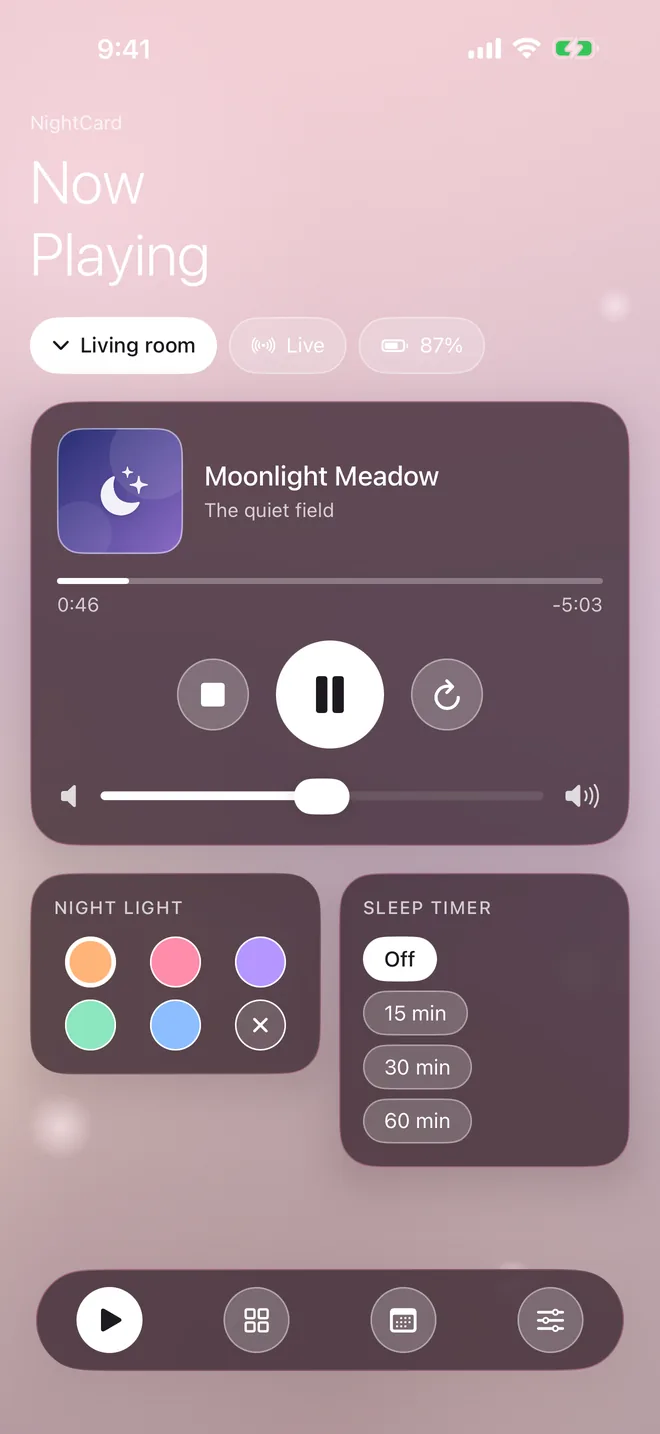
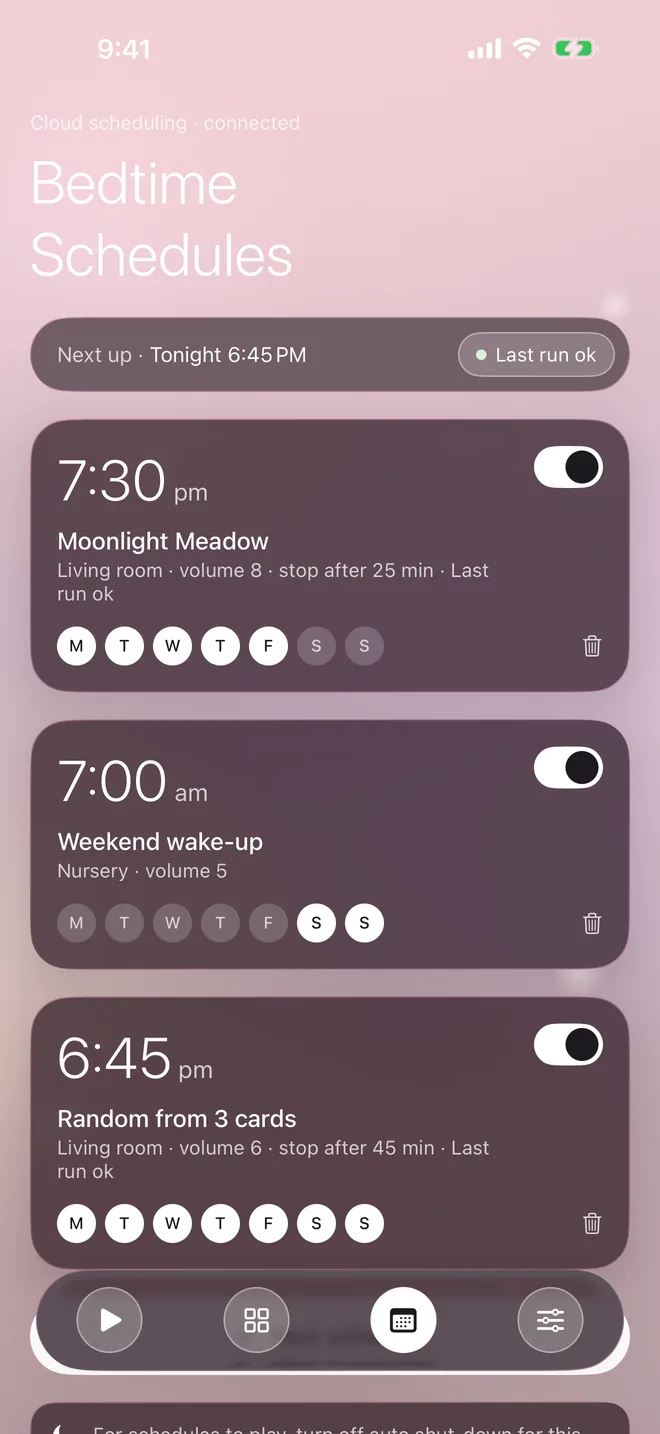
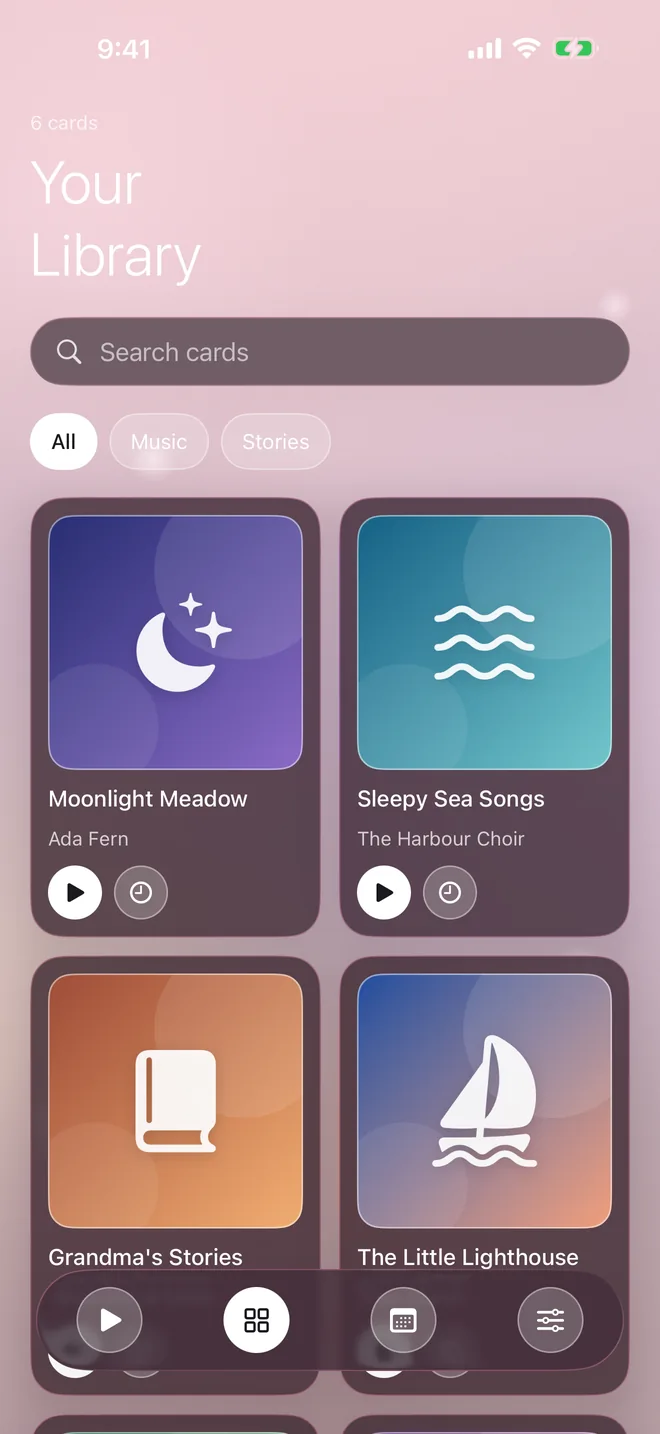
NightCard is an iPhone app for families with a Yoto player. It is a remote control, a browser for your card library, a night light control, and a bedtime scheduler that plays a card at a set time on the days you choose. Schedules run from the cloud, so they start even when your phone is off.
Can't the Yoto app already do this?
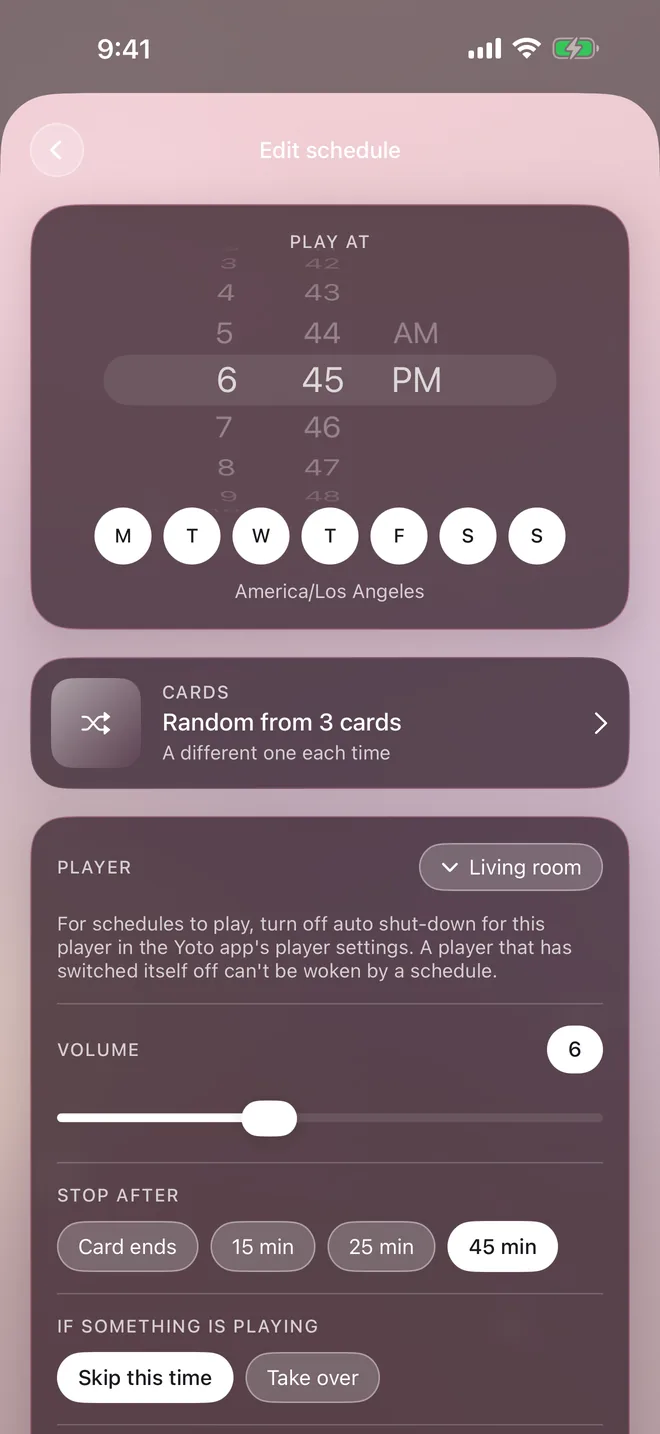
The Yoto app's alarms play a handful of built-in sounds. They can't start a card from your library. NightCard schedules play any card, or a different one from a set each time, and run from the cloud.
Does it work when my phone is off or I'm out?
Yes. Schedules are stored and fired from NightCard's cloud, not from your phone. The player needs to be on, connected to Wi-Fi, and docked or charged.
What does it cost?
Remote control, library and night light are free. Cloud schedules need NightCard Scheduling: $1.99 per month or $14.99 per year, each with a 14-day free trial. Prices may vary by country. The subscription renews automatically unless cancelled at least 24 hours before the end of the current period; manage or cancel it in your Apple Account settings.
Does the whole family get it?
Yes. Everyone in your Yoto family signs in with their own Yoto account and shares the same players, schedules and subscription.
Which players and phones does it support?
Yoto players that connect to Wi-Fi and appear in your Yoto account, on iPhone with iOS 17 or later. For schedules, turn off auto shut-down for the player in the Yoto app: a player that has switched itself off can't be woken by a schedule.
Is NightCard made by Yoto?
No. NightCard is an independent app by Cortex AI LLC. It uses your Yoto account through Yoto's public developer API and is not made by or affiliated with Yoto Ltd. Yoto is a trademark of Yoto Ltd.
Can I try it without a player?
Yes. Tap "Try the demo" on the sign-in screen to explore NightCard with a sample player and library.
Where do I get it?
NightCard is on the App Store for iPhone with iOS 17 or later.